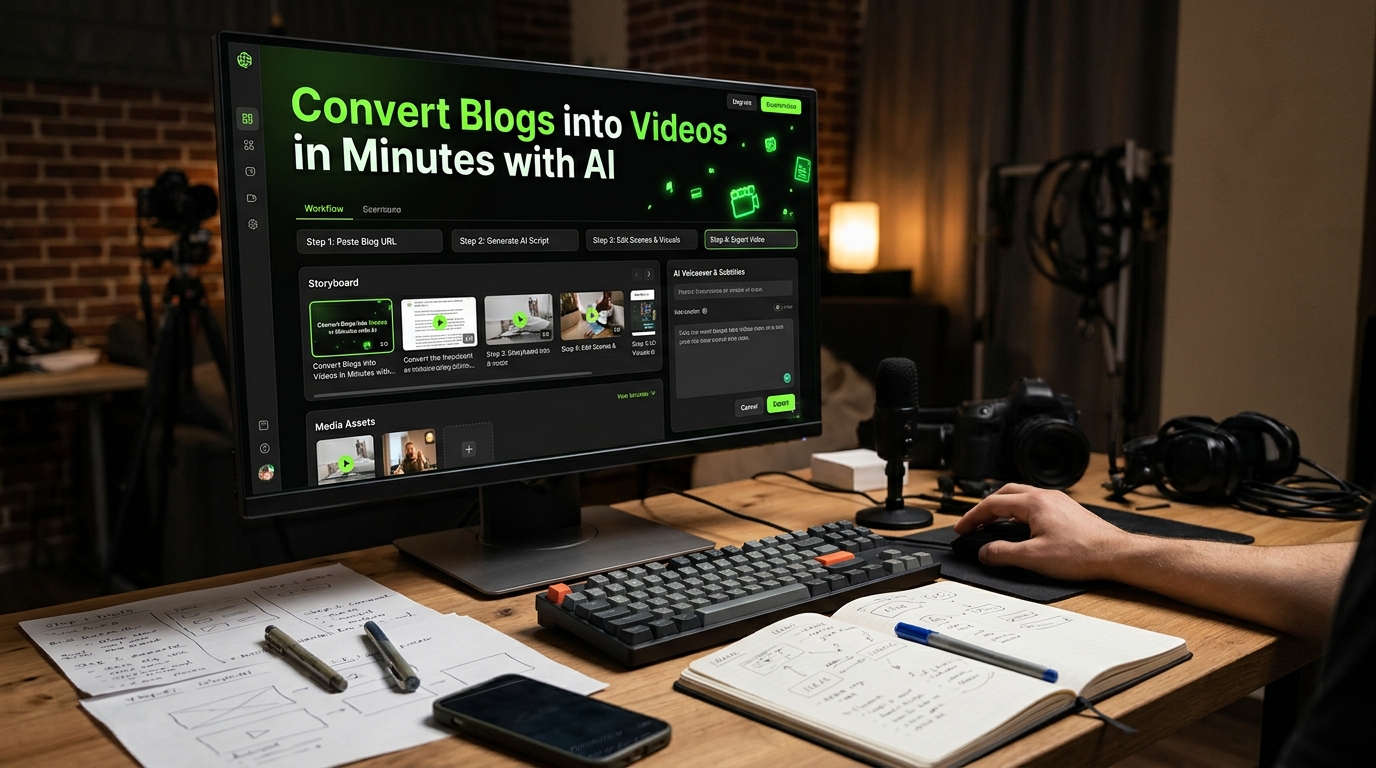
You’re at the helm of your blog fortress, armed with passion, creativity, and a desire to outmaneuver the digital media juggernauts. But let’s face it, the grind is real, and the clock is more your adversary than ally. You’ve got this battleground mapped out in content creation, SEO strategies, and audience engagement. Now, it’s time to add a new weapon to your arsenal: video content.
In a world where video content reigns supreme, converting your blog posts into engaging videos can skyrocket your reach and bolster your online presence. But here’s the kicker—you don’t need to spend hours hunched over video editing tools, nor do you need to hire costly freelancers. Enter AI. With the right tools, you can automate blog to video conversion and double down on efficiency without missing a beat. Let’s dive in.
Why Transform Blogs into Videos?
Before we plunge into the how, let’s unpack the why. Video isn’t just a flashy new medium; it’s a necessity for bolstering engagement and expanding your audience reach. Videos can capture and hold attention far more effectively than text alone. They’re highly shareable and optimized for mobile consumption—a key factor considering that most of today’s consumption happens on the go.
But, there’s more. Repurposing your existing content into video format also significantly amplifies your SEO efforts. Google loves multimedia content, and videos can appear directly in search results, improving click-through rates and driving more traffic to your site. With AI’s firepower, you can seamlessly convert your blog posts into videos within minutes and scale your content exposure without doubling your workload.
The AI Tools to Fuel Your Conversion
Now, let’s get into the gritty details of automating your blog to video conversion. Several AI-powered platforms can transform your written content into visually compelling videos. Here’s a highlight reel of some of the tools we recommend:
- Lumen5: This platform simplifies video creation by using AI to analyze your blog post and suggest layouts, images, and music that best fit your text. Simply paste your article’s URL or text, and Lumen5 crafts a storyboard for you. With a few tweaks, you’ll have a shareable video in no time.
- Pictory: Known for turning long-form content into short, punchy videos, Pictory helps create teaser clips ideal for social media. Upload your written content, and their AI highlights key points, transforming them into bite-sized videos that are irresistible to your audience.
- InVideo: Merge creativity with automation using InVideo. Start by choosing a template, and let their AI help populate your script into a professional-looking video. Customization options ensure your brand’s essence shines through every frame.
- Wave.video: If you’re looking for flexibility with AI assistance, Wave.video offers a robust suite of tools that combines automation with creative liberty, allowing you to scale your video content while maintaining control over its look and feel.
Step-by-Step Guide to Automate Blog to Video Conversion
Okay, so you’ve picked your tool—excellent! Let’s walk through the steps to pull it off:
Step 1: Identify the Right Blog Post
First things first, choose a blog post ripe for video conversion. Consider evergreen content or a blog article with higher engagement metrics—something that has already struck a chord with your audience. This post will be your baseline for transformation.
Step 2: Plan Your Script
Even though your blog post is ready, scripting your video is crucial. Focus on distilling your article’s essence into a concise, engaging script. Keep it conversational—videos thrive on personality. The goal is to maintain authenticity while promoting clarity.
Step 3: Enter the AI Realm
Head over to your chosen AI tool. Input your text and let the software get to work. Adjust any auto-generated elements to align with your vision and add personal touches—your brand’s voice deserves its spotlight.
Step 4: Customize and Optimize
Once your video skeleton is ready, dive into customization. Fine-tune colors, fonts, and styles to match your brand identity. Overlay text where necessary to reinforce key points, and choose music that complements your message without overwhelming it.
Step 5: Publish and Promote
With your video masterpiece in hand, it’s time to unleash it across platforms. Share it on social media, embed it in related articles, or include it in newsletters. Wherever your audience resides, that’s where you want your video to be.
Harnessing AI for Video Success
Automation isn’t about replacing the human touch—it’s about augmenting your prowess. By mastering the art of AI-driven content repurposing, you allow yourself to focus on what you do best—creating impactful and authentic narratives that resonate with your audience. In this bunker, efficiency meets creativity, giving you a fighting chance against the big guns while maintaining your individuality.
So, ready your content, power up those AI tools, and start your video transformation journey today. Your audience is waiting, and it’s time you gave them a spectacle they can’t ignore. Scale your blog with AI firepower, and watch your reach explode. Welcome to the future of content creation.
Leave a Reply